
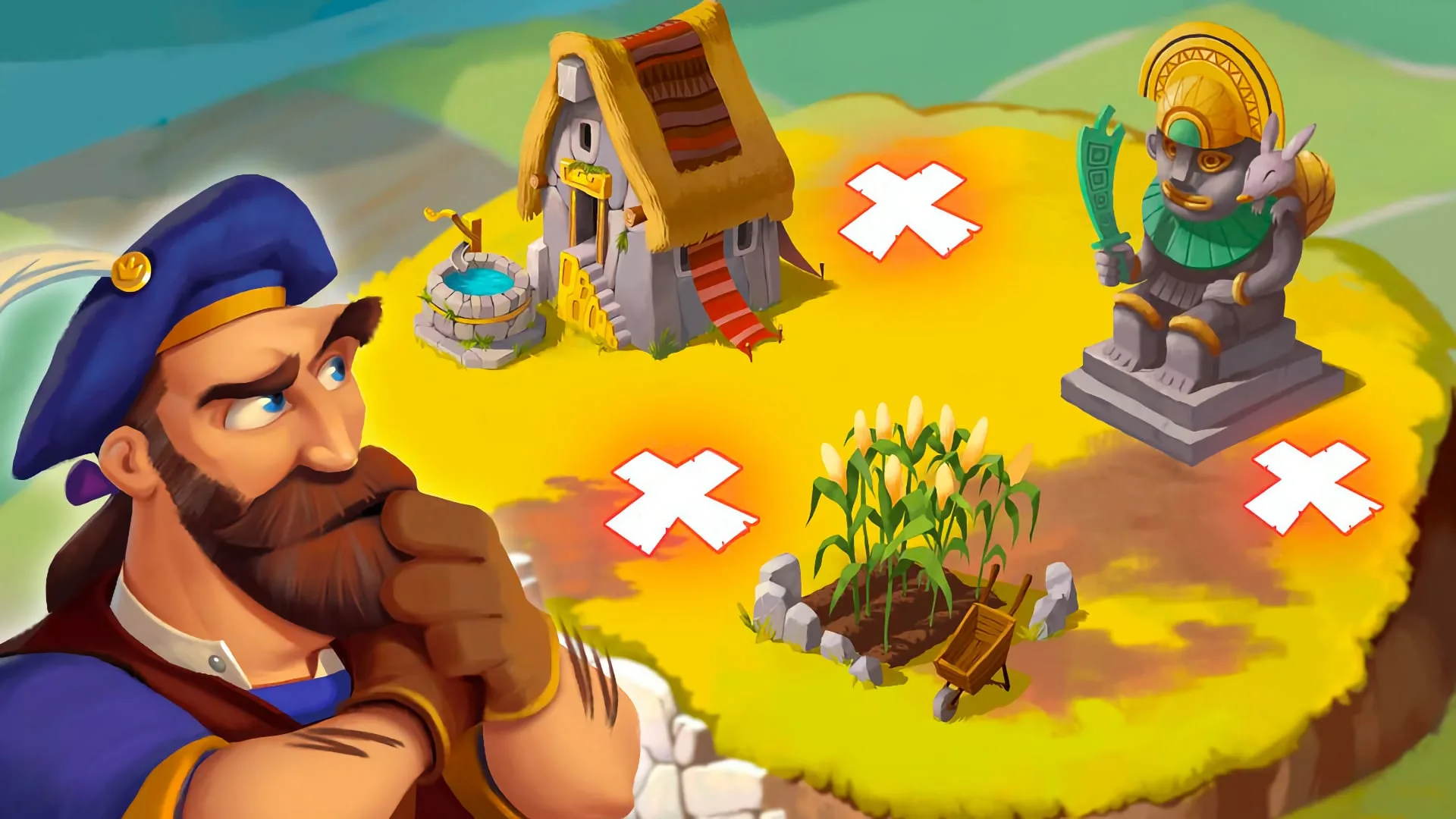
A raid happens when the slot machine lands on the raid symbol. Coin Master sends you to another player’s village, where you pick three spots to dig from a grid of holes. Each hole you hit either contains coins or nothing. The coins you find go directly into your balance — no shields, no defence mechanic for the raider. Raids are one of the most consistent coin sources in the game, especially in the early and mid-game.
How raids work
When a raid triggers, you’re shown another player’s village with a grid of dig spots. You choose three holes. Behind those holes are a mix of coin stashes and empty spots. Hitting coin stashes earns you those coins; hitting empty spots earns nothing from that dig.
The amount available in a raided village scales with the village level of the target — higher-level players have more coins buried. The spin multiplier you’re spinning at also affects your raid payout proportionally; raiding at x10 earns ten times the coins of raiding at x1.
Foxy makes raids more valuable
Foxy is the raid pet. When fed and active, she digs a fourth hole automatically on every raid — on top of your three manual picks. That extra dig is a significant boost: it increases your average coins per raid and gives you an additional shot at hitting a larger coin stash.
If you’re doing a raid session, feed Foxy first. During Raid Madness or Coin Craze events, Foxy’s extra hole stacks with the event multiplier — making those two combinations the highest-yield raid setups available.
How to change your raid target
Coin Master assigns raid targets automatically. You can’t manually select who to raid from a list. However, there is a workaround: clearing the game’s cache resets your assigned target and gives you a new one at random.
On Android:
- Open your device Settings
- Go to Apps (or Application Manager)
- Find and tap Coin Master
- Tap Clear Cache
- Reopen Coin Master — your raid target will have changed
On iPhone:
Clearing individual app caches isn’t available in iOS settings. The quickest method is to force-close Coin Master and reopen it, which may refresh the target. Alternatively, offloading the app from Settings → General → iPhone Storage → Coin Master → Offload App will clear its cache while keeping your save data.
You can repeat this process as many times as you need. There’s no guarantee the new target will be better than the old one — it’s random each time.
Revenge raids
If someone has recently raided your village, the Revenge button appears at the top of your screen. Tapping it lets you target that specific player for a raid in return. This is the only way to choose a specific raid target directly in the game.
How to evaluate a raid target
Not all raid targets are worth the same. A few things signal a target is worth keeping:
- Village level — higher-level players have more coins buried in their village. You can see the target’s village in the raid screen before you dig
- Spin multiplier test — before digging, try increasing your multiplier to x10. If the game allows x10, your potential payout is high. If it caps at a lower multiplier, the target’s available coins may be limited
- Unprotected villages — players who haven’t been online recently are less likely to have shields or active Rhino. Targeting friends who haven’t played today is a practical strategy
Raid strategy and events
Raid Madness multiplies your raid earnings — run Foxy during Raid Madness for the maximum combination.
Coin Craze applies a coin multiplier to all winnings including raids — another strong pairing with Foxy.
Achievements and event tasks — if you have an active task that rewards points for completing raids, you’re effectively getting paid twice for the same action. Keep an eye on your active task list and try to do raid sessions when raid-related tasks are live.
Spend coins quickly — the more coins sitting in your balance, the more you can lose if someone raids you. Build village items as soon as you earn enough rather than hoarding coins. Less stored = less to lose.
FAQ
Can you choose who to raid in Coin Master?
Not directly. Raid targets are assigned automatically. The only exceptions are: clearing your cache to get a different random target, or using the Revenge button to raid someone who recently raided you.
How do you change your raid target in Coin Master?
Clear the game’s cache through your device settings. On Android: Settings → Apps → Coin Master → Clear Cache. Reopen the game for a new target. On iPhone, force-closing or offloading the app may refresh it.
What does Foxy do during raids?
Foxy digs a fourth hole automatically on every raid, giving you an extra shot at coins beyond your three manual picks. She must be fed and active to trigger. See the Foxy guide for more.
How much can you earn from a raid?
It depends on the target’s village level and your spin multiplier. At x10 with a high-level target and Foxy active during Raid Madness, a single raid can return hundreds of millions of coins at mid-game levels.
Does raiding affect the other player’s village?
Raiding takes coins from the other player’s buried stash but doesn’t damage their village structures. Attacks damage structures; raids only take coins.
What is the best time to do raids?
During Raid Madness (event multiplier on raid earnings), with Foxy active, and while a raid-related achievement task is live. All three together maximise coins and task progress per spin.